
Lemma
A list of lemmata occurring in the selected author or work.
Vocabulary Tools allows you to select an author or work and examine its vocabulary through Lemma lists, Wordforms, and Flashcards.
A list of lemmata occurring in the selected author or work.
A list of the individual wordforms occurring in the selection.
A flashcard view for reviewing vocabulary.
Use the three buttons at the upper right of the page to move between these views. Your selected author or work remains available as you change views.
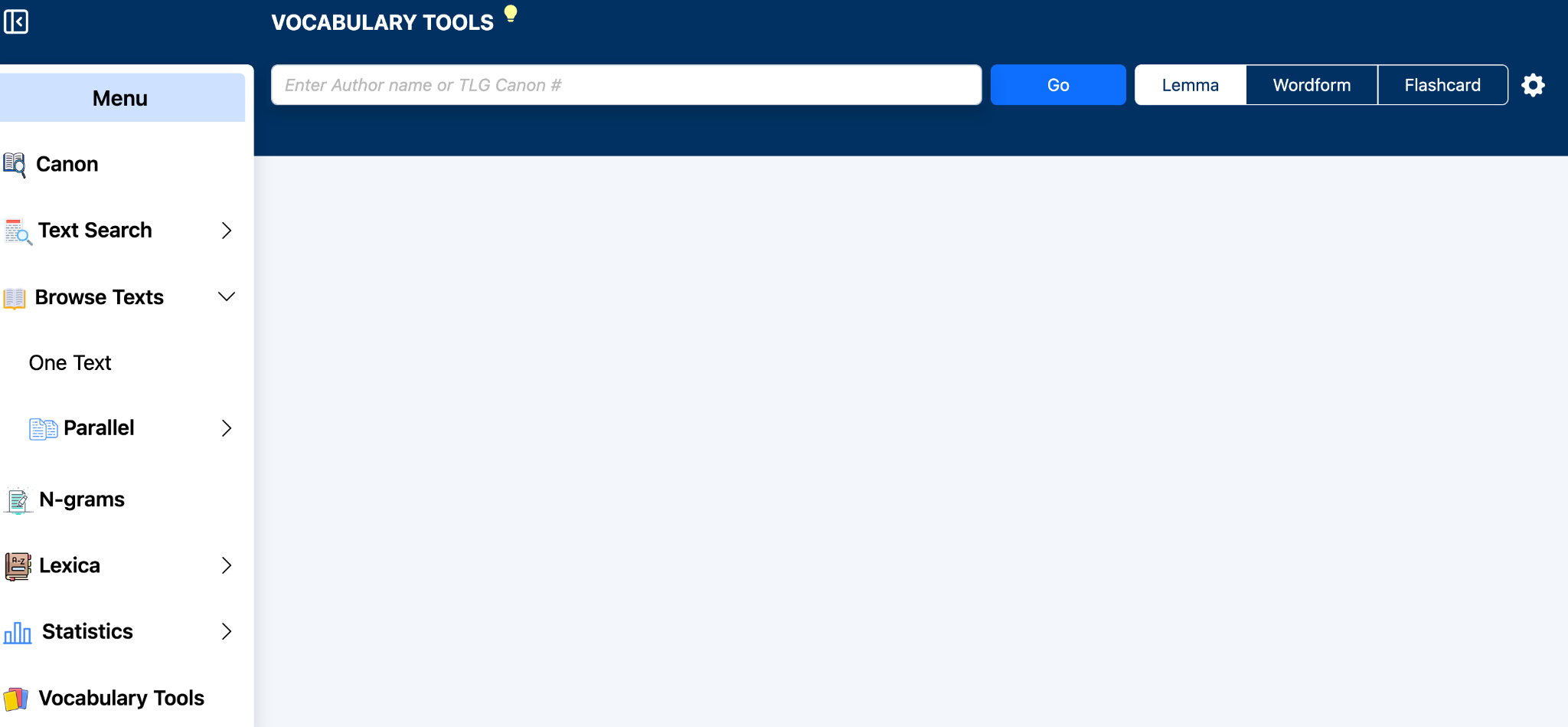
Begin by entering an author name or TLG Canon number in the search field. Select the desired author or work from the autocomplete suggestions and click Go.
After a selection has been made, the Author and Work panel on the right identifies the material currently being examined.
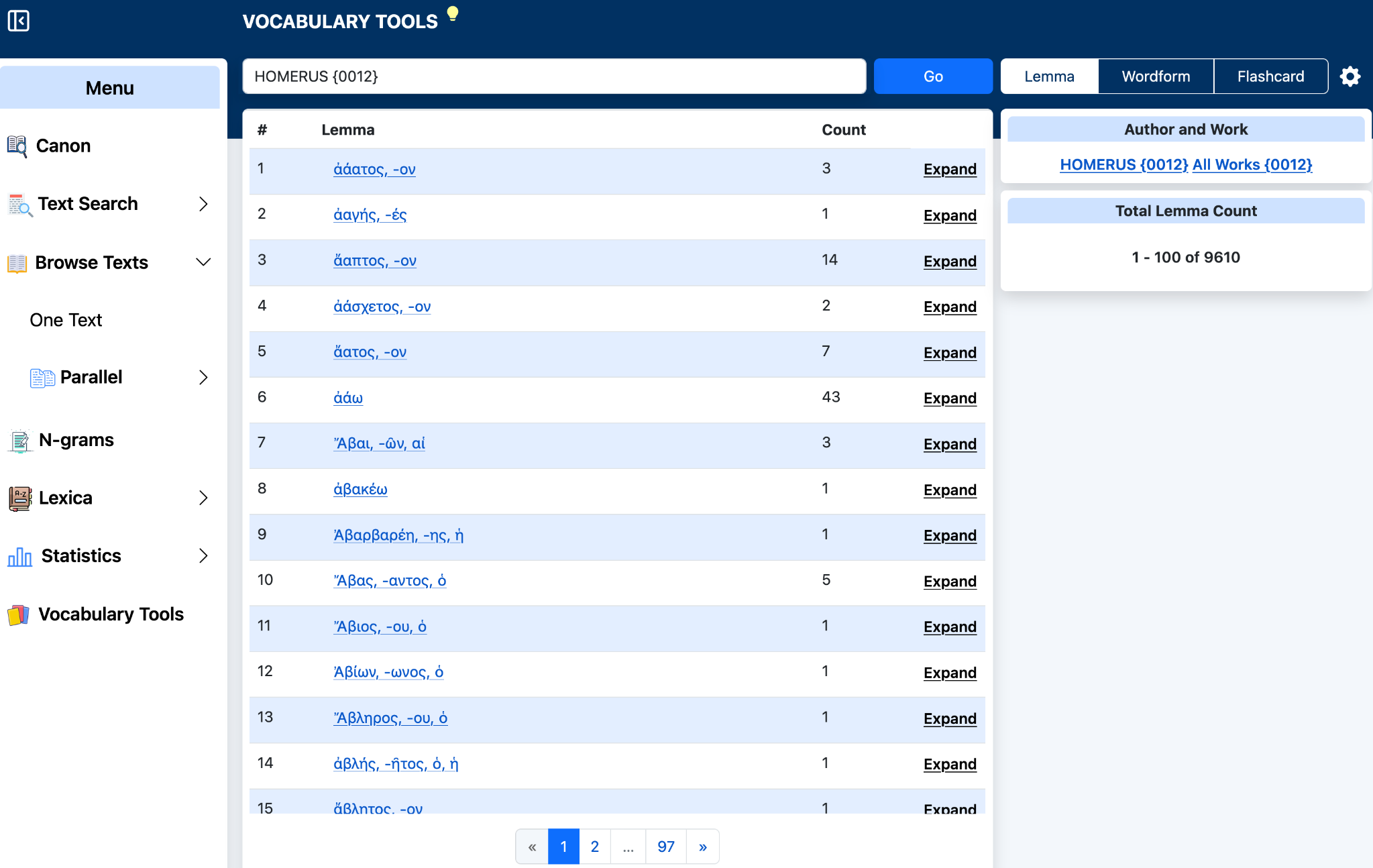
Select Lemma to display the lemmata found in the selected author or work. The table gives each lemma and its Count, or number of occurrences in the selection.
Click a lemma to follow the available link for that lemma. Click Expand at the right of a row to display the wordforms corresponding to that lemma. The earlier Vocabulary Tools provided the same basic relationship: a lemma could be expanded to show its corresponding wordforms.
The panel at the right reports the Total Lemma Count and the range currently displayed. Use the page controls at the bottom of the table to move through additional results.
Select Wordform to display the individual forms occurring in the selected author or work rather than grouping them under dictionary lemmata. This is useful when you want to examine the vocabulary exactly as it appears in the text.
The Wordform and Lemma views are complementary: the Lemma view groups inflected forms under a lemma, while the Wordform view lists the forms themselves.
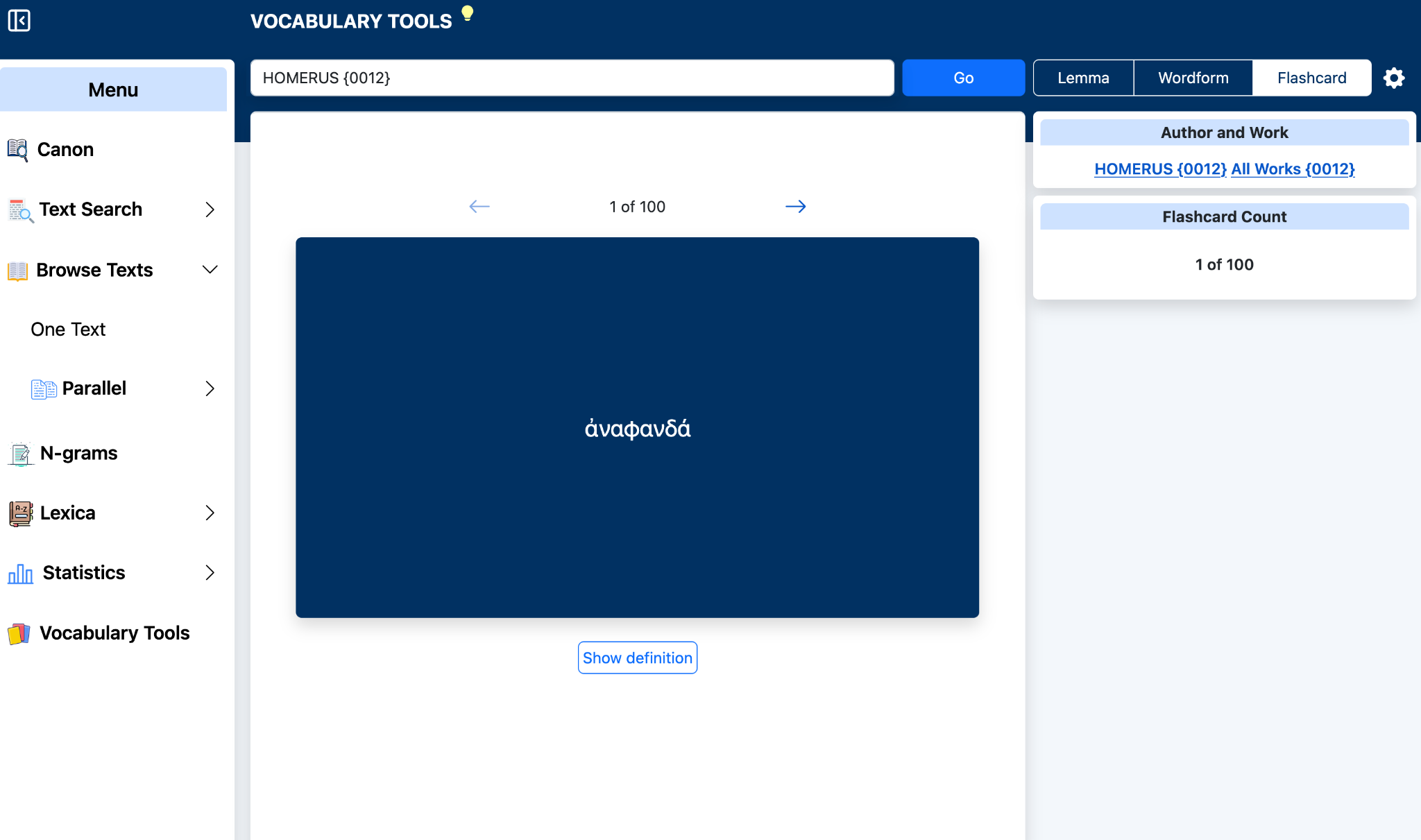
Select Flashcard to review vocabulary from the selected author or work one item at a time. The current card number appears above the card, and the arrows move backward or forward through the set.
The front of the card displays the Greek vocabulary item. Click Show definition to reveal the available definition or lexical information for the item. The earlier Vocabulary Tools used definitions generally based on Middle Liddell-Scott and supplied links to other lexica when appropriate; the flashcard function continues to provide lexical help for reviewing the selected vocabulary.
The panel at the right shows the selected Author and Work and the Flashcard Count, so you can see your position within the current set.
Search field: enter an author name or TLG Canon number and select from autocomplete. Go: load the selection. Lemma: list lemmata and counts. Expand: show forms belonging to a lemma. Wordform: list individual forms. Flashcard: review vocabulary one item at a time. Show definition: reveal lexical information for the current card.
Vocabulary lists and flashcards are generated from the texts represented in the selected TLG author or work.