Bibliography icon
Shows the full bibliographic record for the selected author or work, including publication information and related details.
Use the Canon page to find authors and works in the TLG corpus, review bibliographic entries, make selections, and send your selection of authors and works to Text Search.
The Canon of Greek Authors and Works is a searchable database containing information about the authors and works included in the TLG corpus. You can search by entering a term, author name or TLG Author ID, choosing a search field, or limiting results with Canon fields such as date, generic or geographic epithet, and work classification.
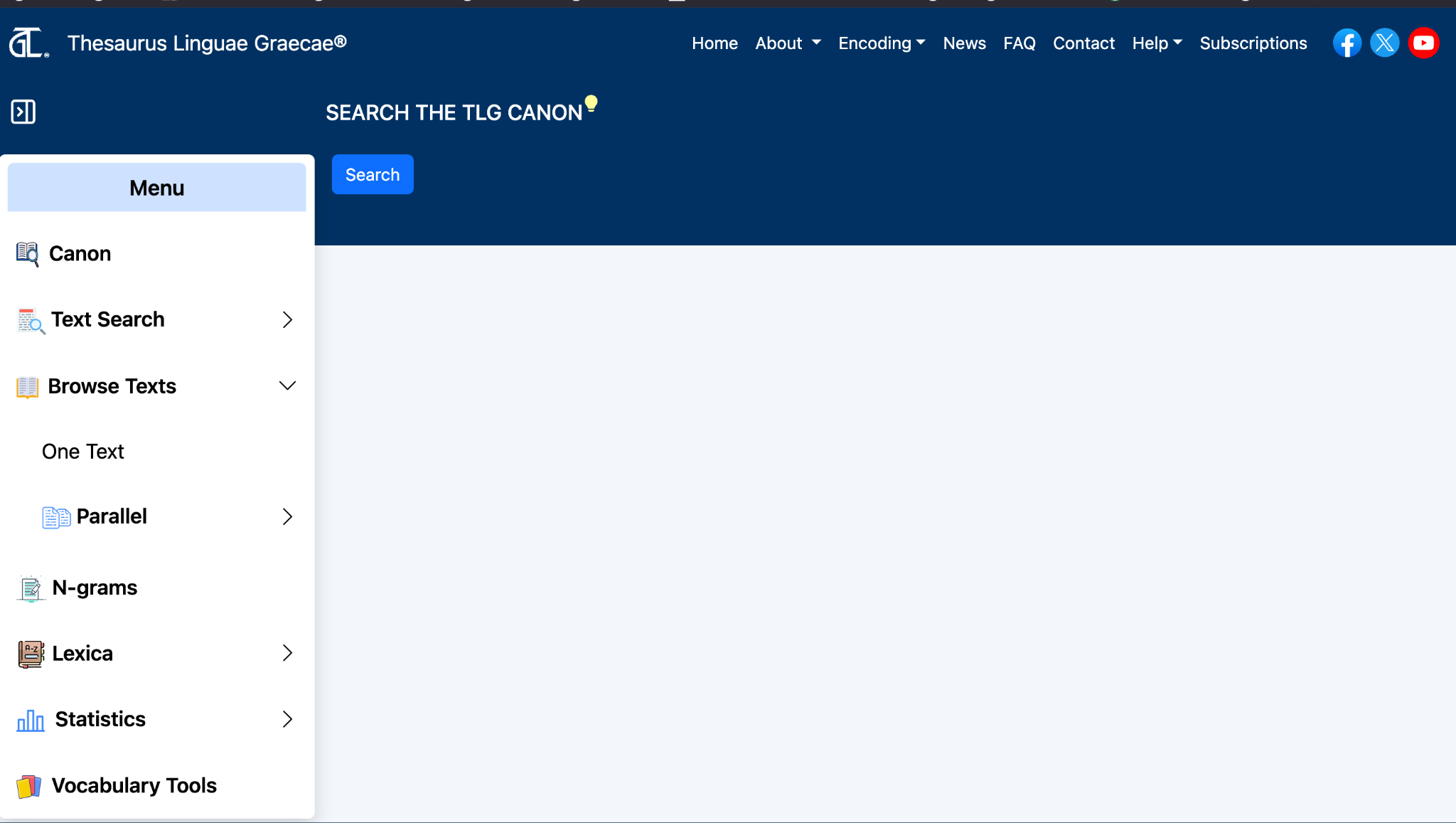
From the Canon page, select Search. The Canon Search form opens below the button.
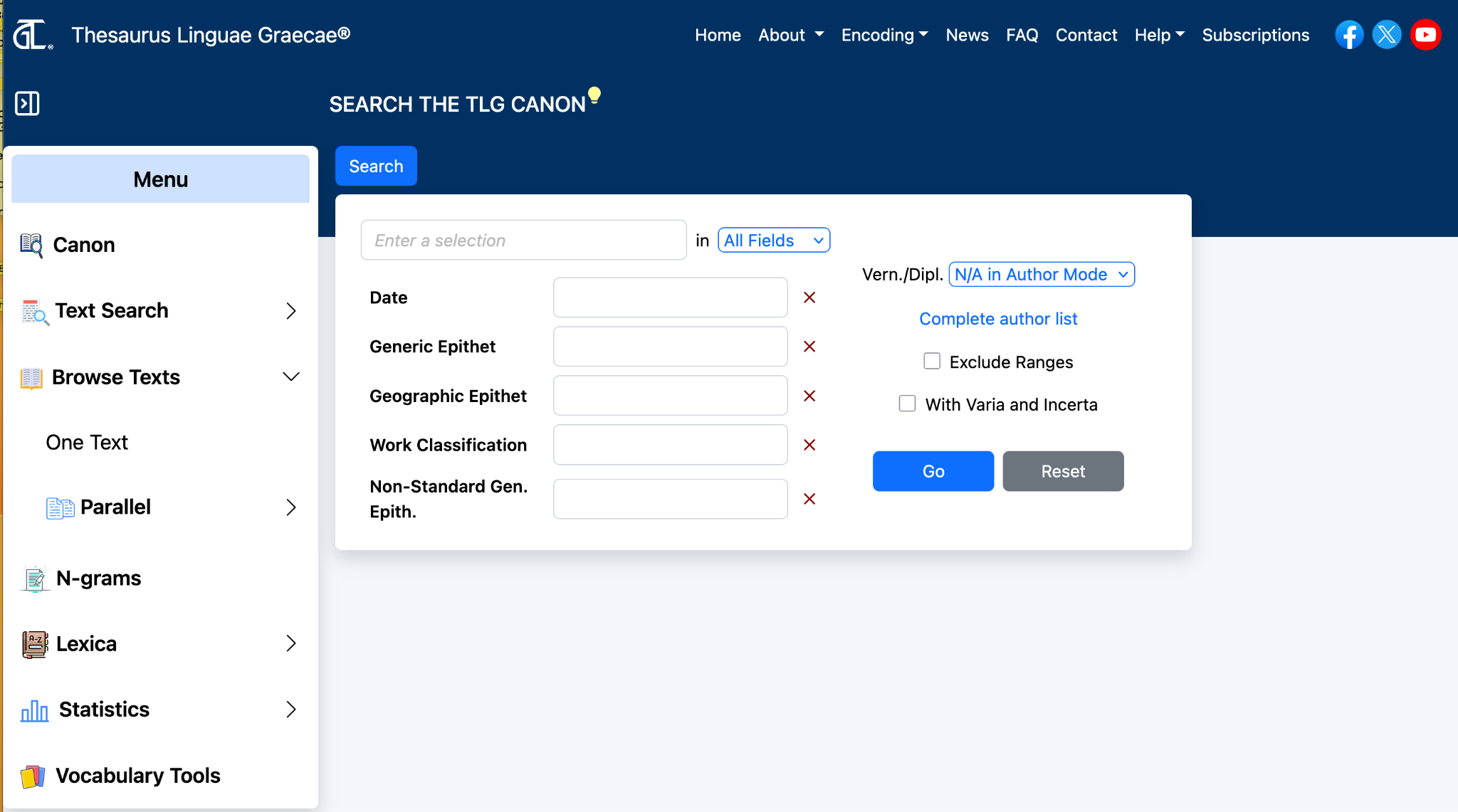
Use the Search form to enter a term, choose a search field, or refine your search with additional Canon fields.
| Control | Purpose |
|---|---|
| Search box | Enter a search term. Use at least three characters. |
| Search field menu | Choose where to search, such as All Fields, Author, Editor, Work Title, Publication Title, Series, or Publication Date. |
| Canon fields | Limit results by Date, Generic Epithet, Geographic Epithet, Work Classification, or Non-Standard Generic Epithet. |
| Vern./Dipl. | Choose whether to include or exclude vernacular and diplomatic editions, when available. |
| Complete author list | Open a complete list of authors and name forms related to the search. |
| Go | Run the search. |
| Reset | Clear the form and start again. |
When autocomplete is available, suggestions appear as you type. If you ignore the suggestion, the system searches for the string you entered.
Search results appear in the center of the page. Results are displayed in pages, with pagination controls at the top. Use the page numbers or arrow controls to move through the result set.
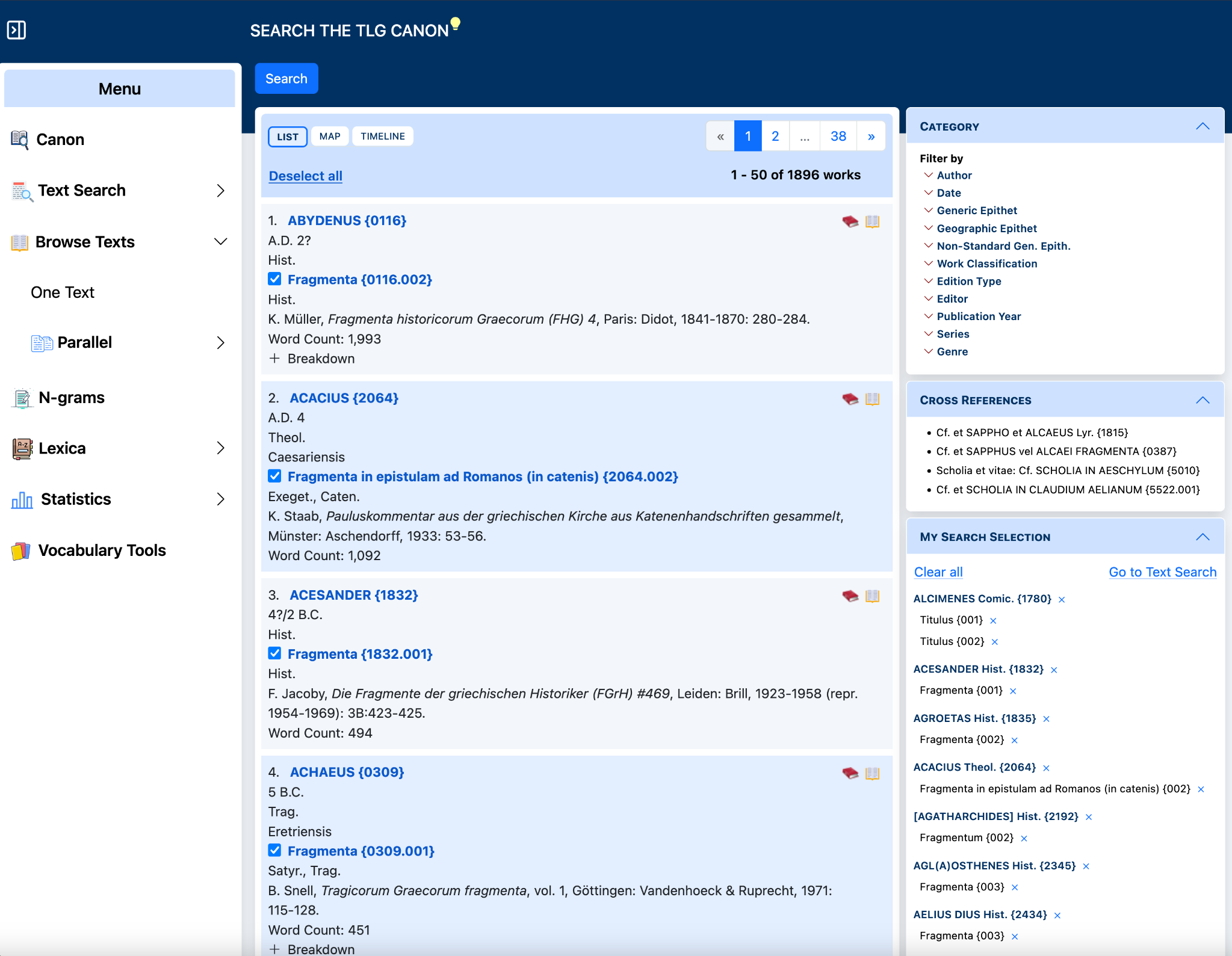
In the results list, the booklet icon next to an author opens a dialog with that author's full bibliography and list of works represented in the Canon results.
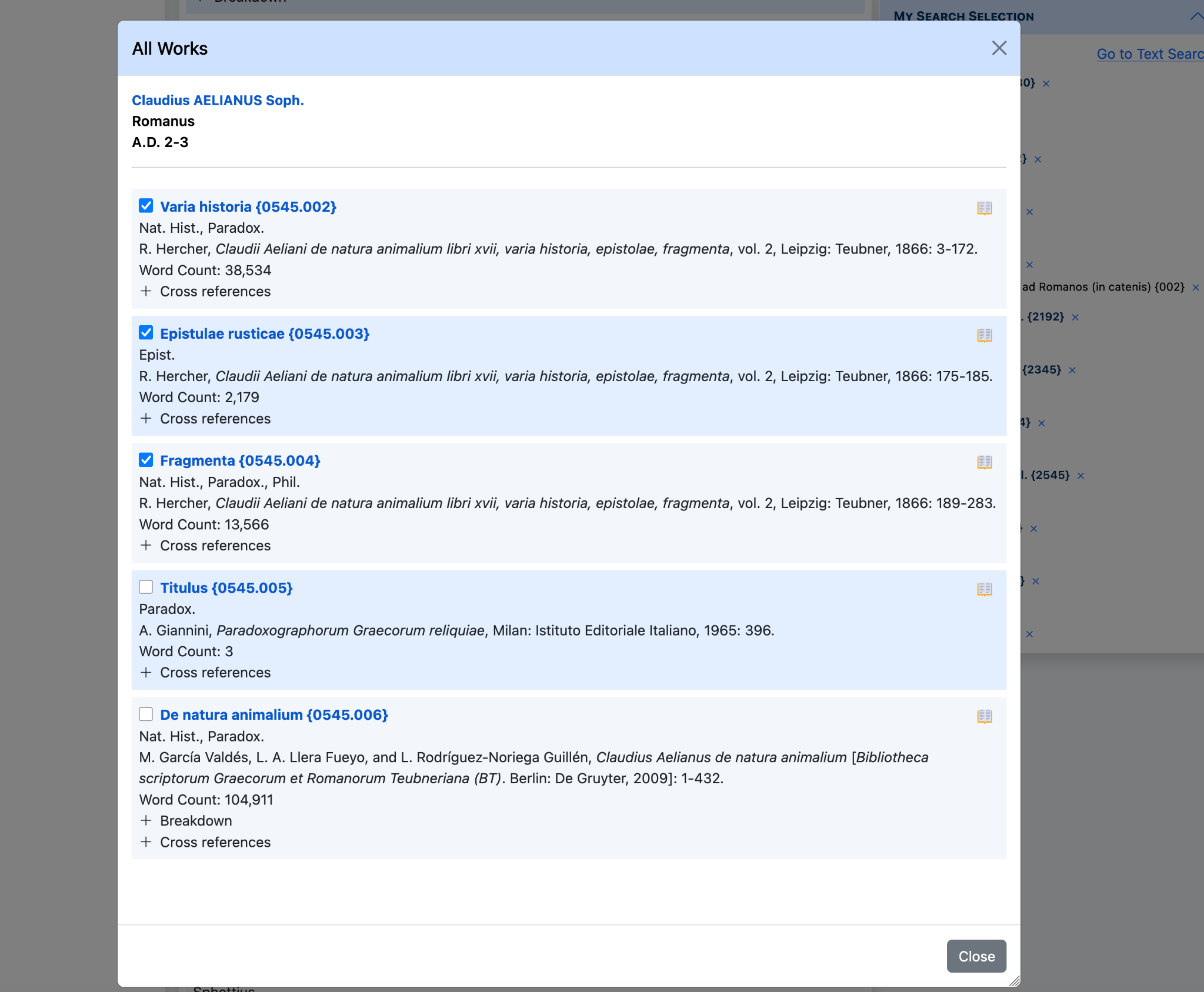
Use this dialog to review the author’s works, publication information, classifications, word counts, and related links such as Cross references or Breakdown.
When checkboxes are available, select one or more works from the dialog. Selected works are added automatically to My Search Selection in the right sidebar.
As you select works, they are collected in the My Search Selection panel on the right side of the page. Use this panel to review, remove, or clear selected works.
Next to each author or work entry, two action icons may appear.
Shows the full bibliographic record for the selected author or work, including publication information and related details.
Opens the Browser page so you can read the full text, when the text is available in the corpus.
Use the Category panel to narrow results. Selecting a category, such as Author or Date, reveals the available values in the current result set.
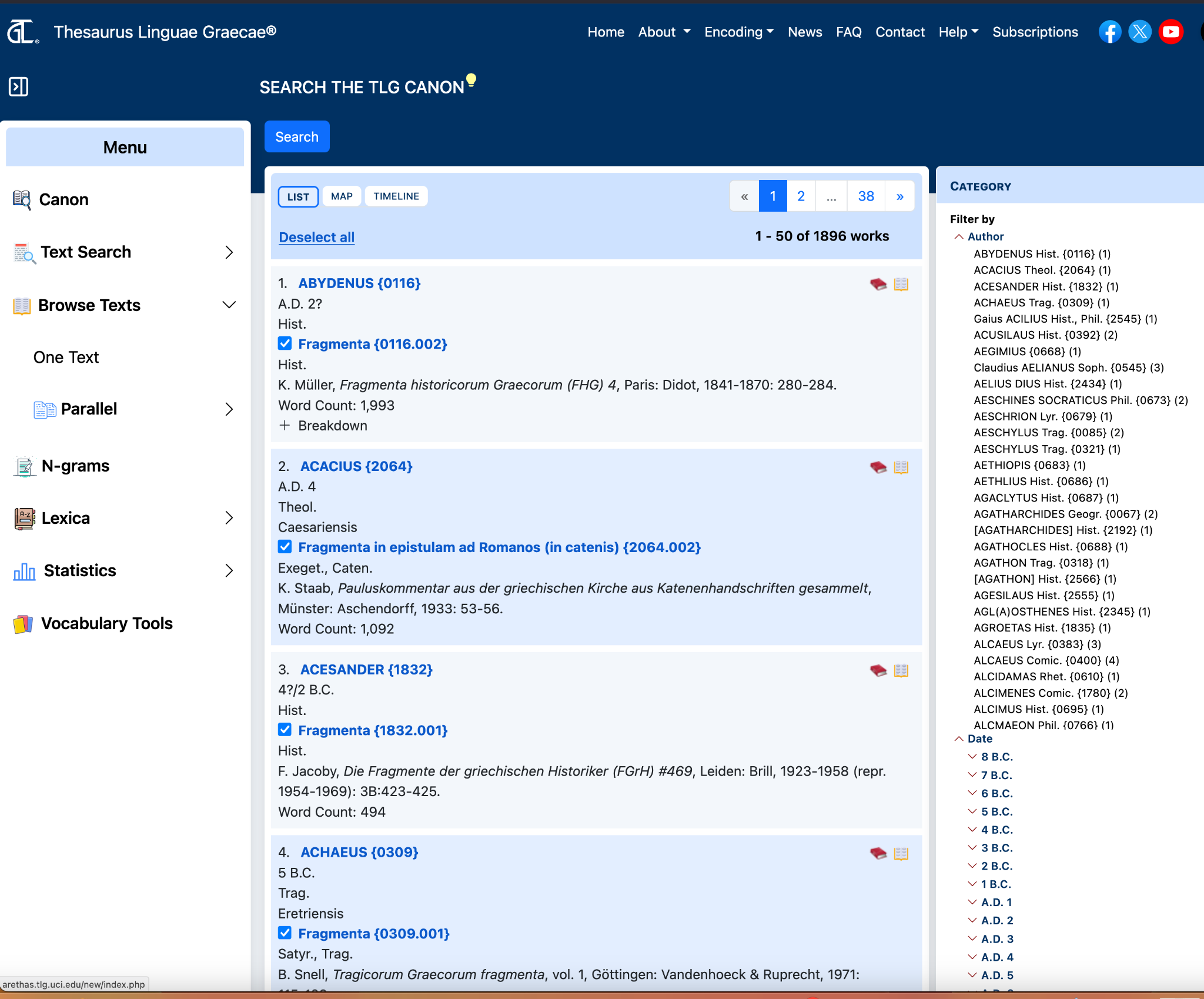
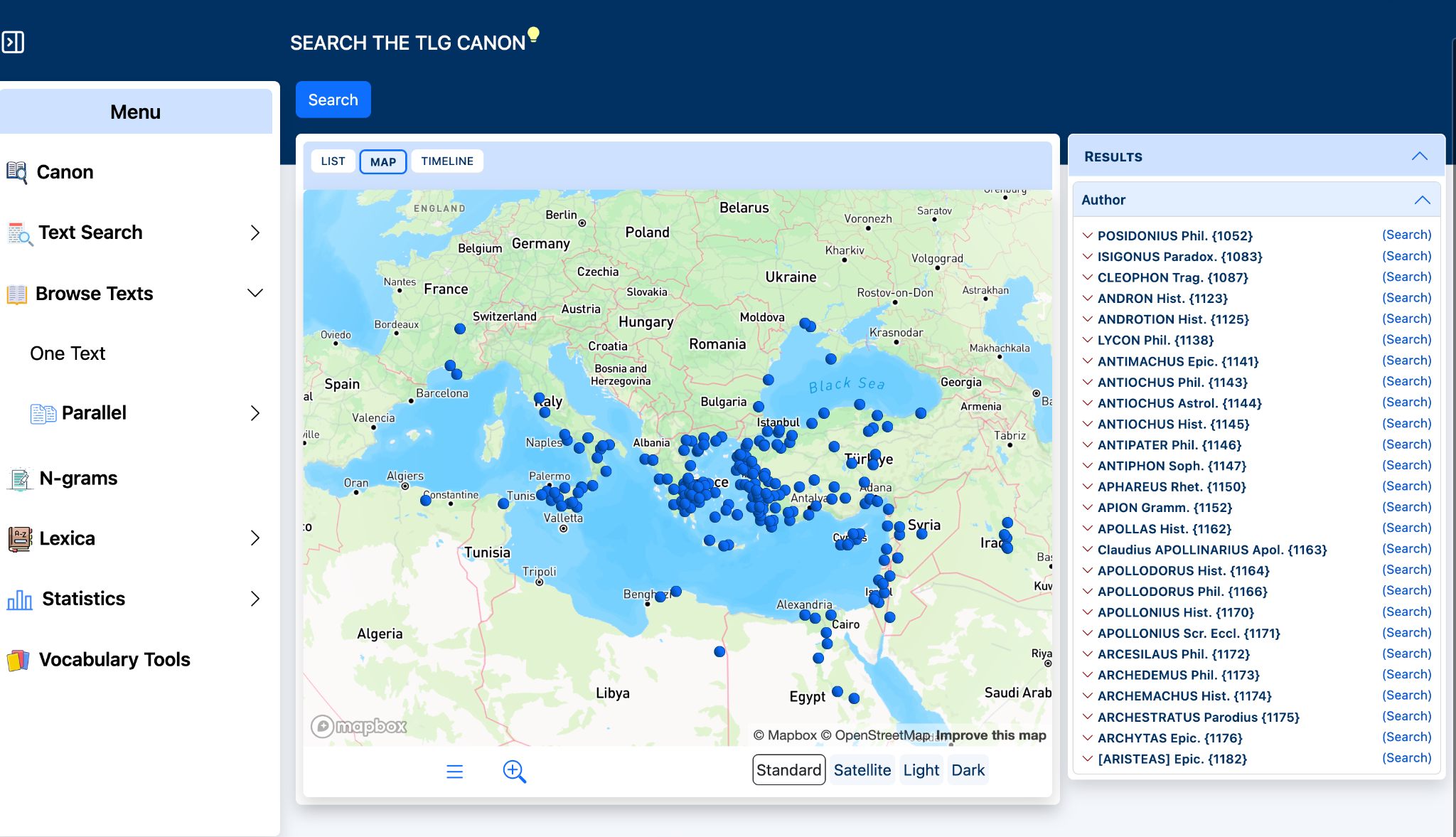
Use the List, Map, and Timeline tabs to change how results are displayed.
Map view displays authors geographically when location data is available. Each author in the results list is a link to the author’s Canon entry.
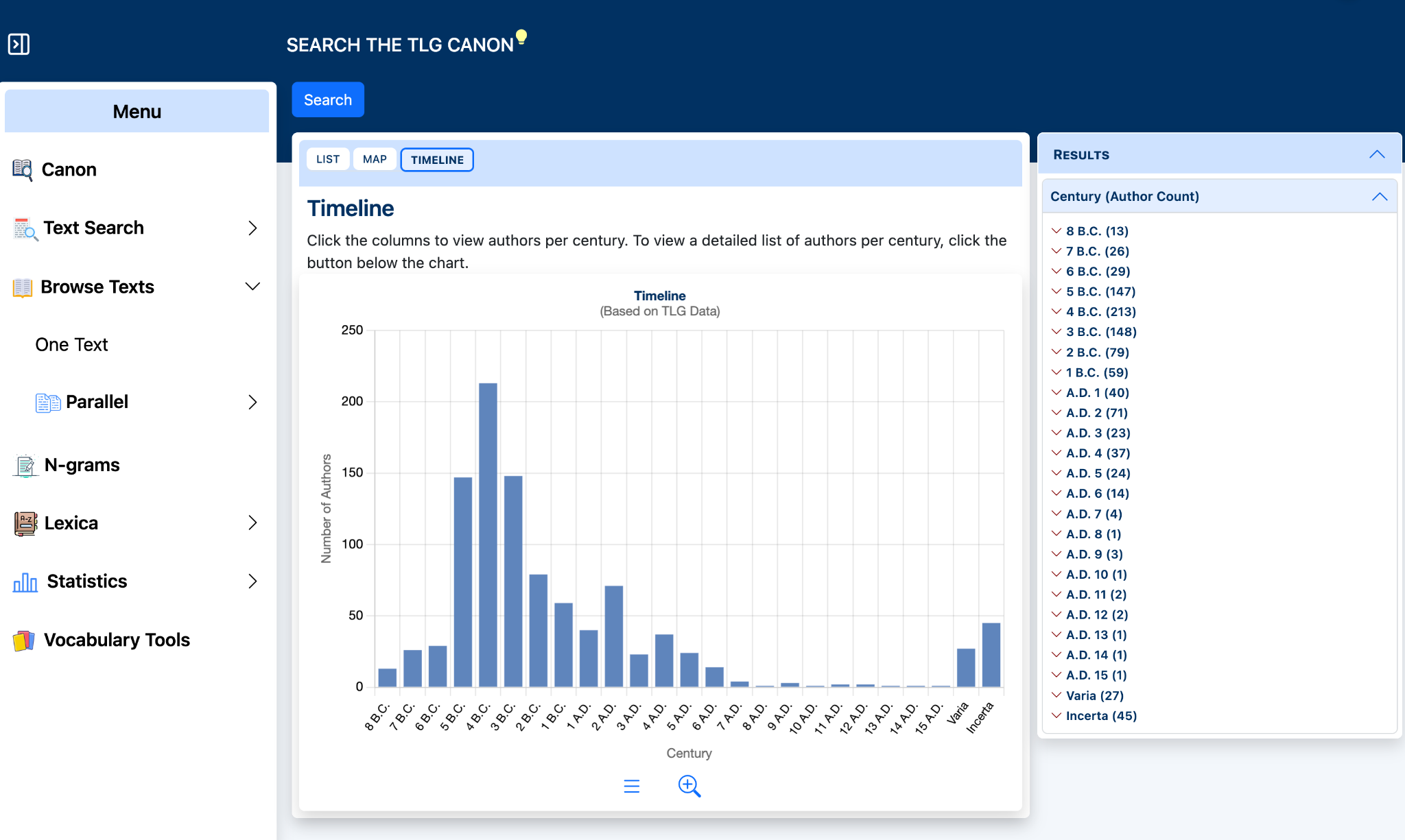
Timeline view displays authors by century. Select a column or use the right sidebar to view the list of authors for a century.